MONT is a B2B platform
to buy, renew, and manage enterprise software
Overview
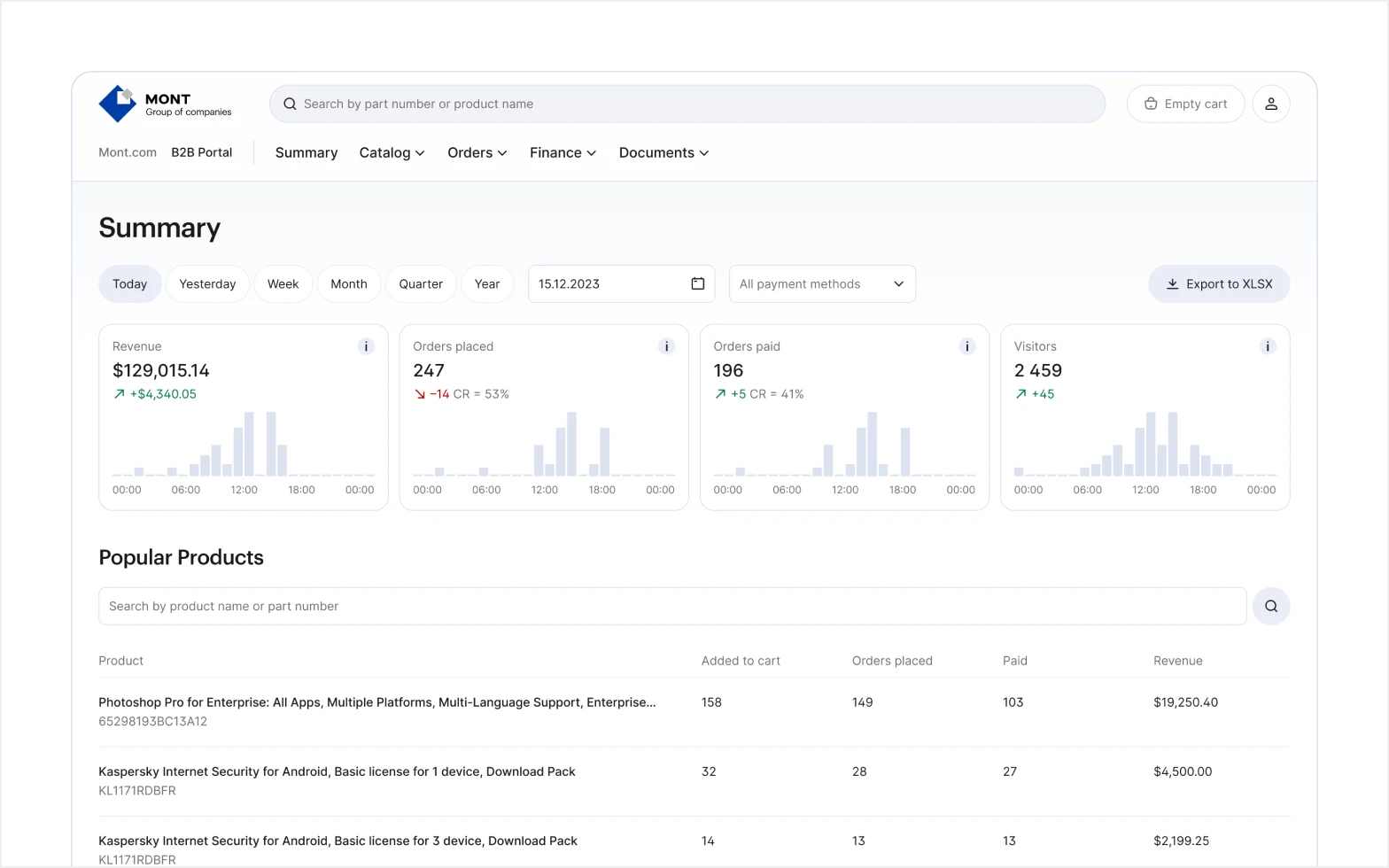
MONT distributes enterprise software to a network of partner companies. The platform is where partners run their business: searching and comparing software, placing and managing orders, all under rules that differ by vendor.
I joined in 2016 to redesign the marketing site and B2B portal, then took over all 5 products as the sole designer across 4 engineering teams, building the component library that held the platform together.
4K+
Partner Companies
5
Products Covered
48
Shared Components
56
Icons Designed
Problem
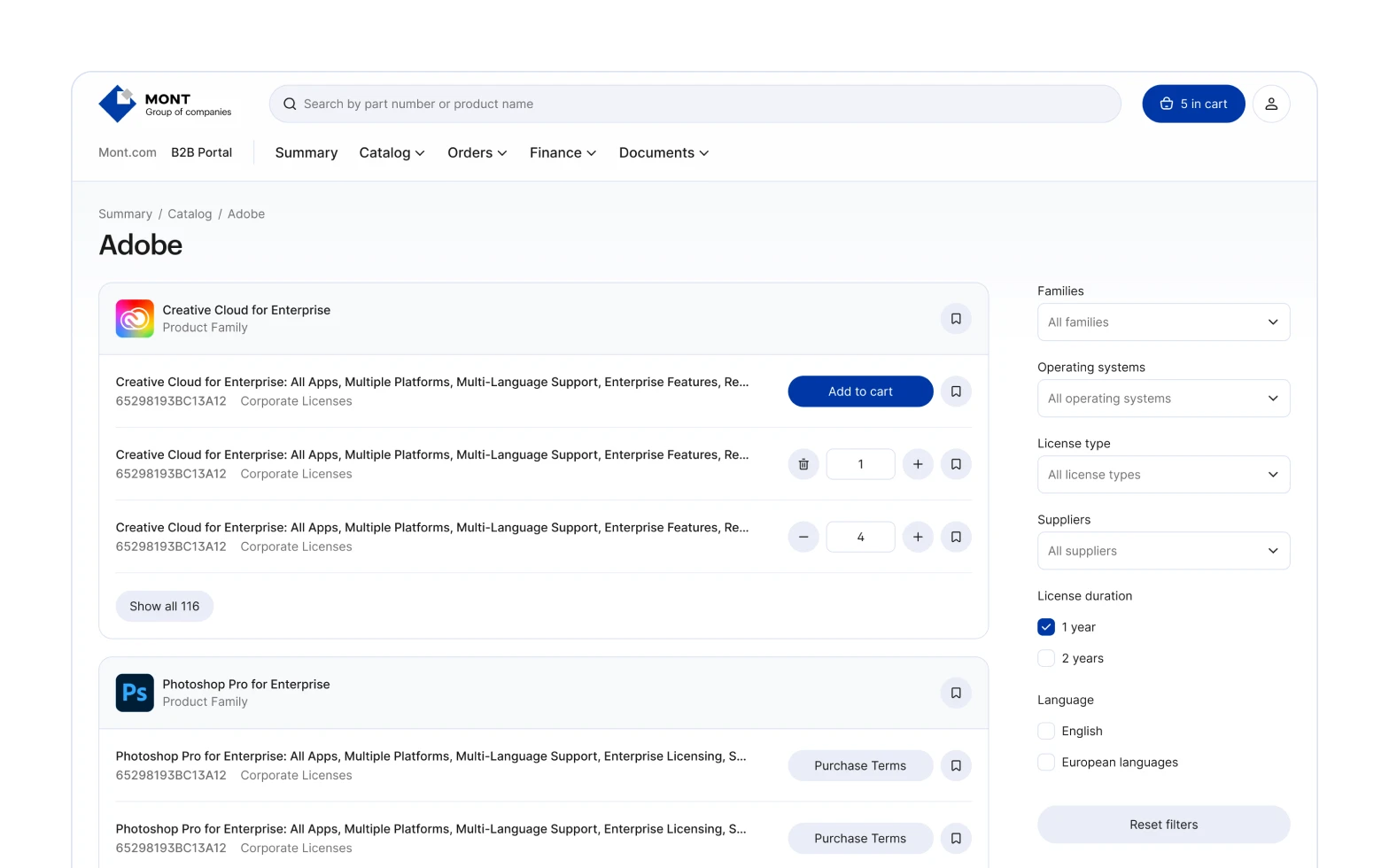
Many vendors, no common ground. Each vendor brought its own licensing models, subscription terms, and ordering rules. Left as is, partners would face a different experience with every vendor.
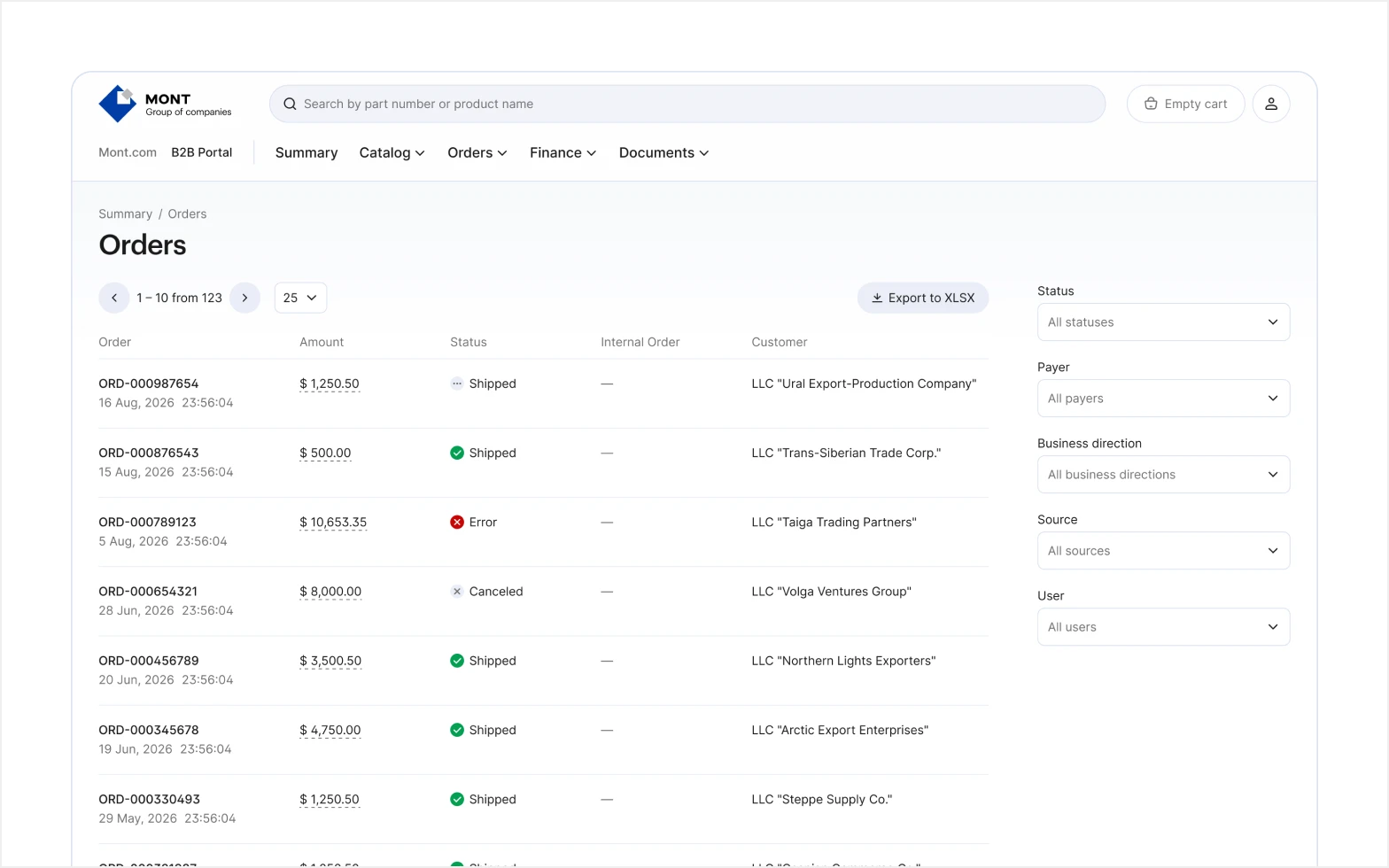
Dense, data-heavy interfaces. Catalogs, orders, subscriptions, and documents meant large tables and long, multi-step forms. Without structure, screens this dense are hard to scan and easy to get lost in.
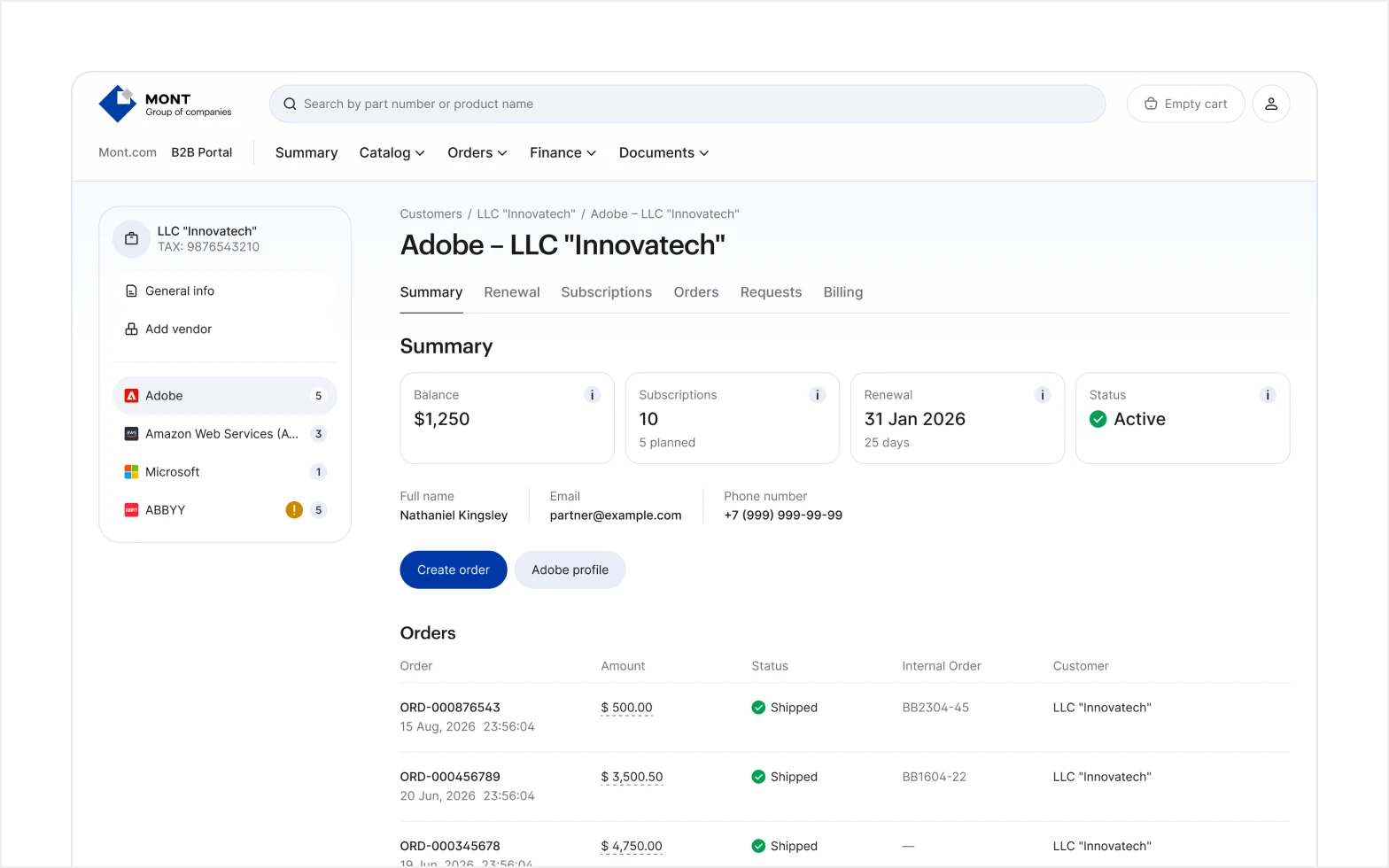
Five products, four teams. Each product was built by a separate engineering team, so they drifted into different-looking, different-behaving screens. The visual style was dated, too. To partners, MONT read as several tools, not one platform.
Approach
Shared patterns across vendors. Vendor rules meant no two flows could be identical, so I held them all to the same patterns. Differences became variations, not separate experiences.
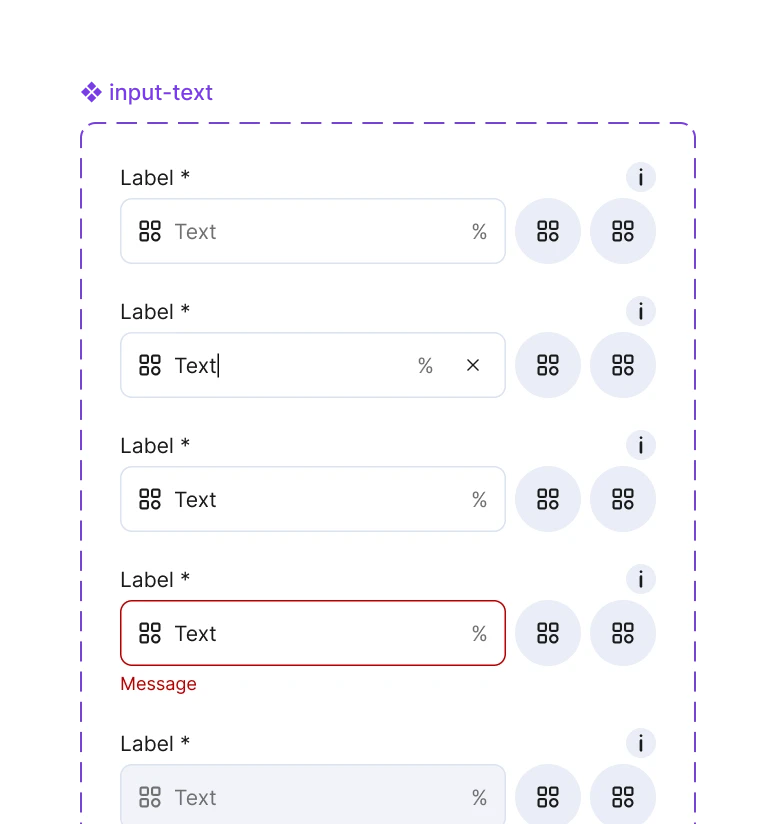
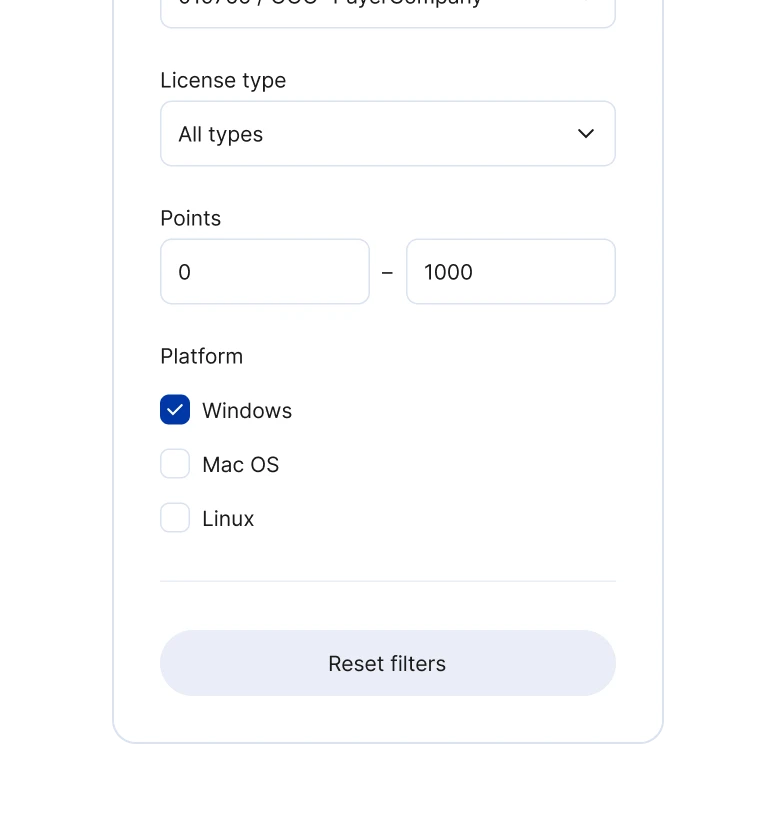
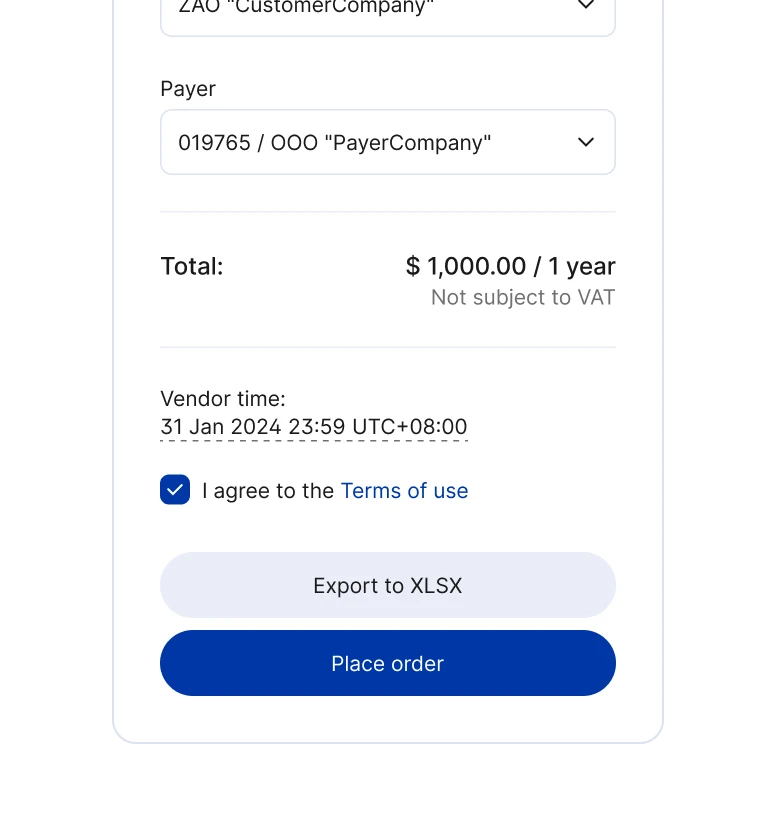
Components for complex UI. I built reusable components for the dense parts, including the forms behind placing orders and subscription orders. The same blocks kept those screens readable across products and vendors.
One design source for every team. No matter who built a screen, it was designed from a single design system in Figma. That kept the design aligned across teams, even as each codebase adopted the shared components at its own pace.
Design system
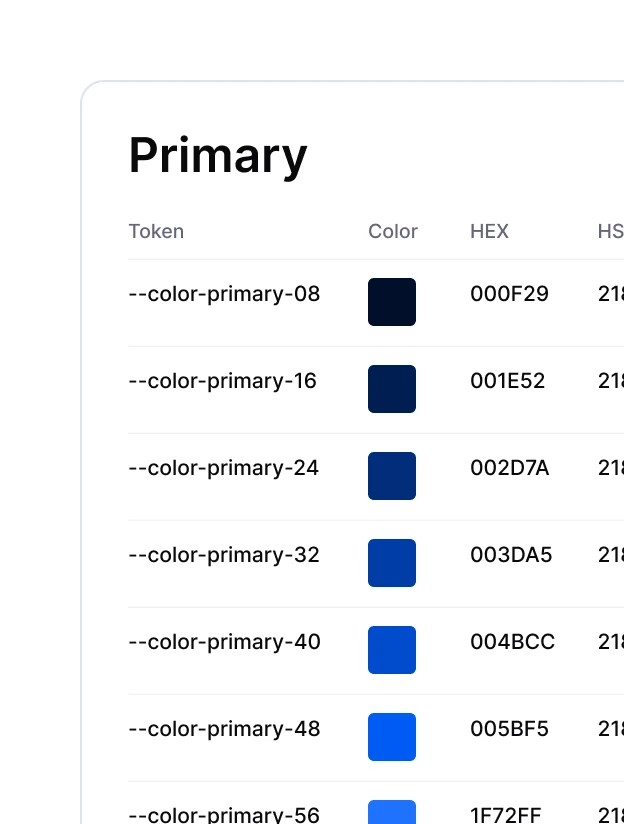
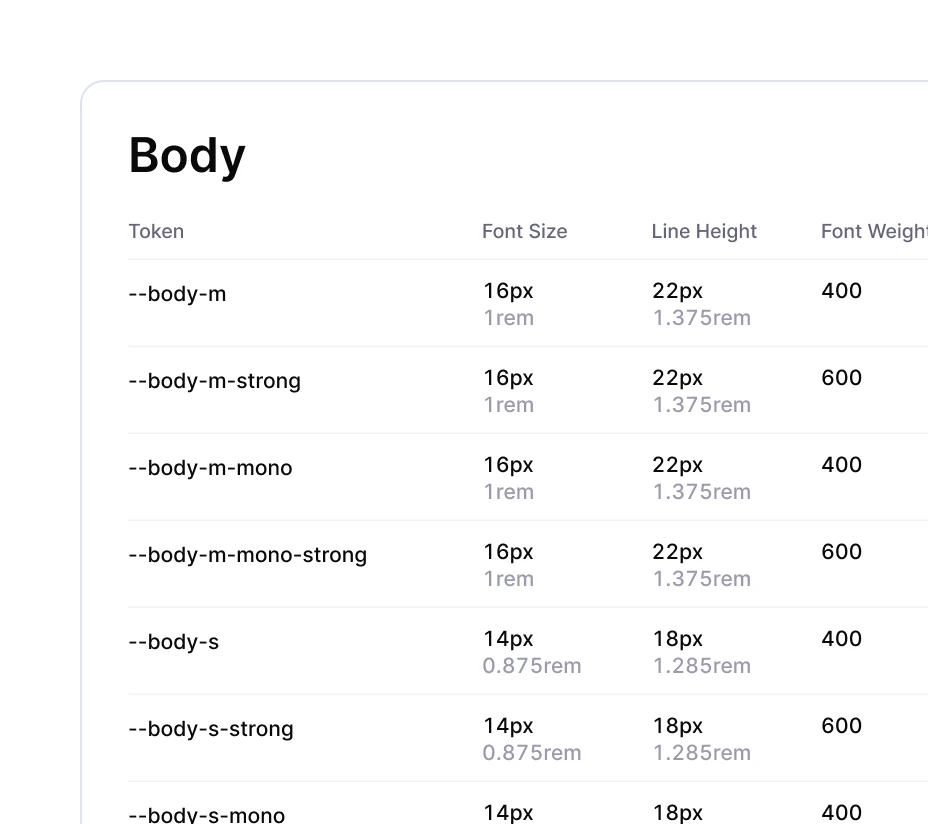
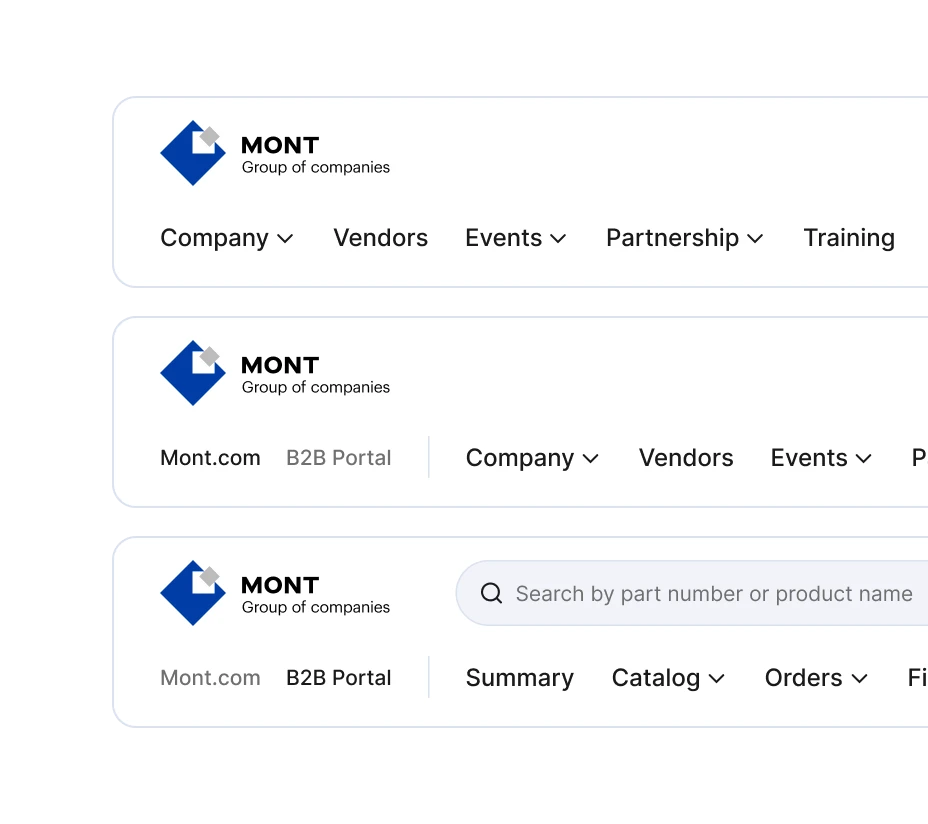
Visual foundations. I defined type, color, and grid as Figma Styles, so visual decisions lived in one place. I later migrated them to tokens.
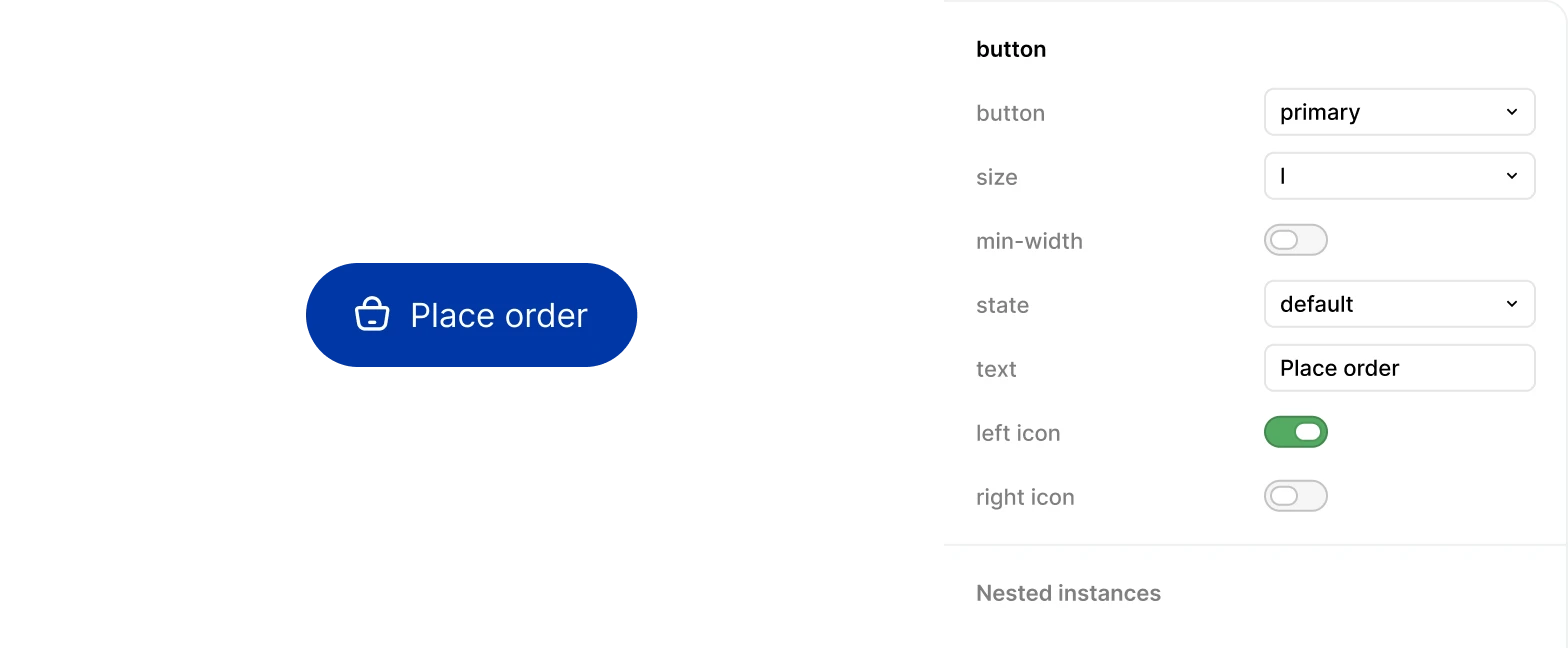
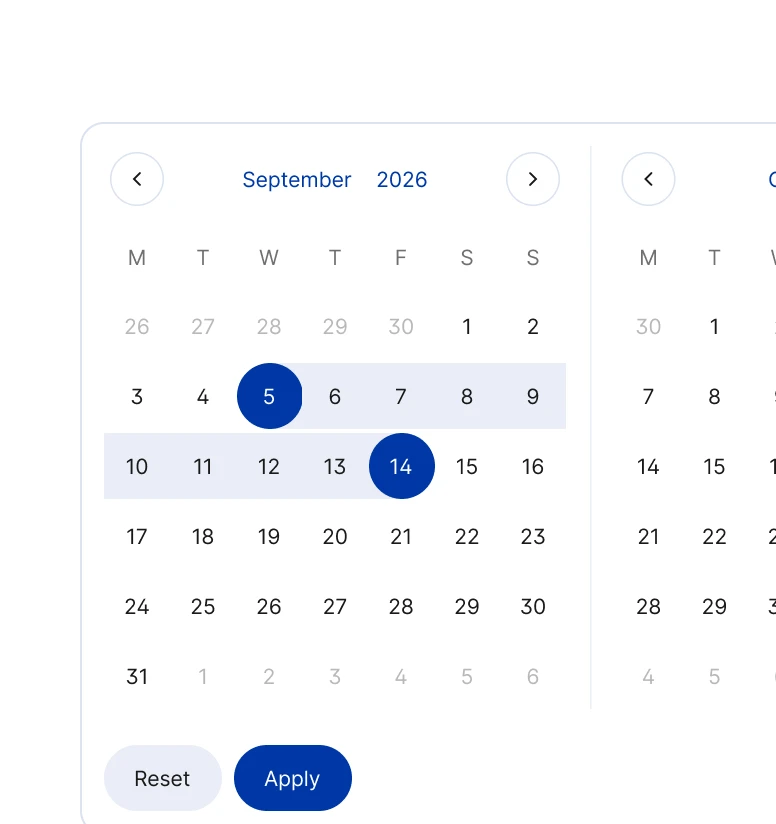
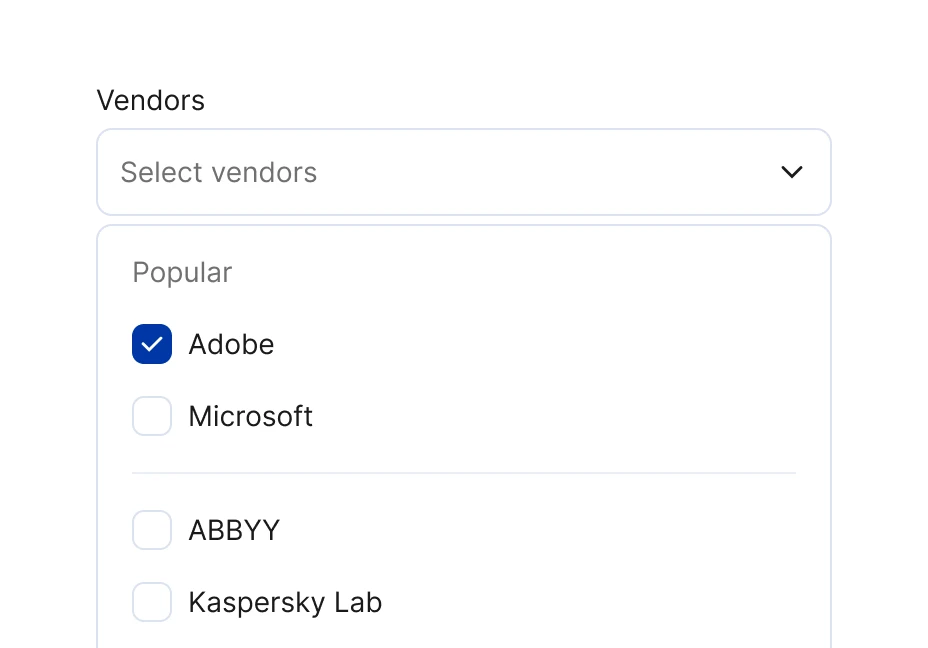
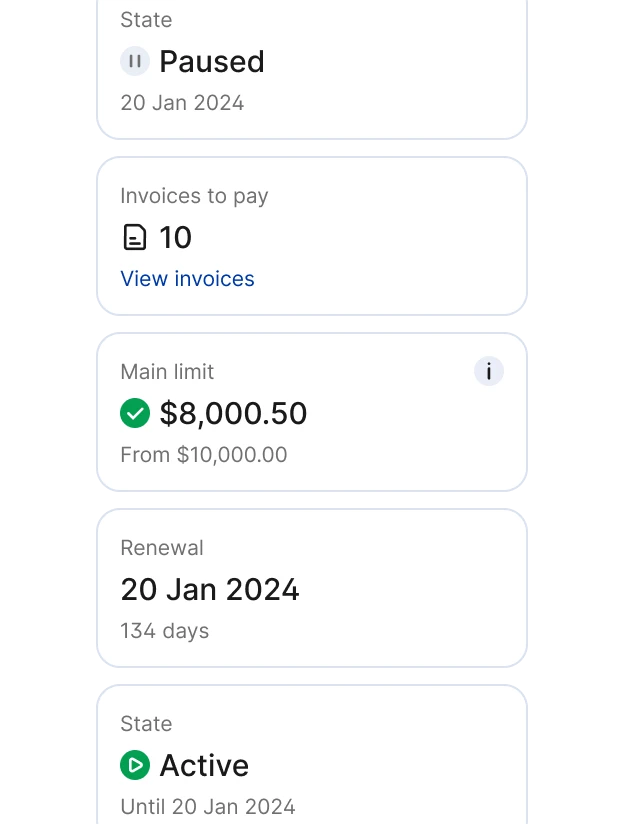
Components. I built a library of 48 components with their full state sets. New screens were assembled from existing parts, so a small team shipped fast without losing consistency.
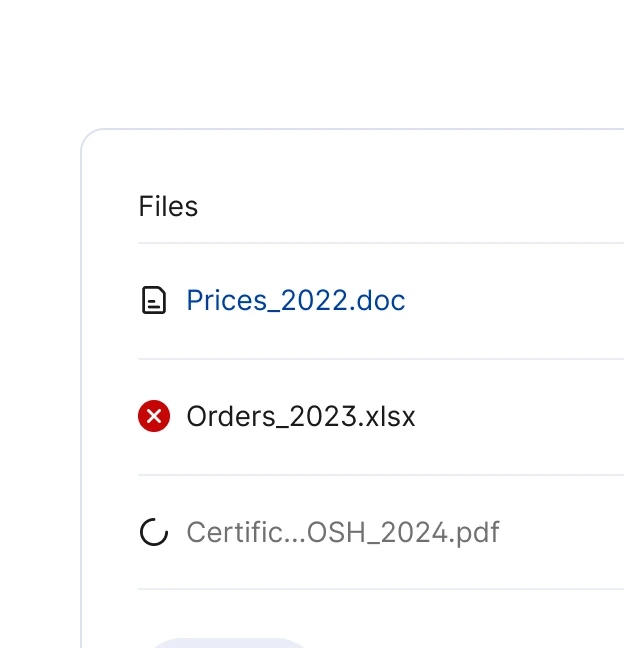
Data-heavy patterns. For the hard parts, I combined the basic components into larger patterns: tables, multi-step forms, dashboards, and document workflows. These made up most of the platform.
Icon system. I designed 56 custom icons in one consistent style that shipped with the design system and gave the products their own visual character.

Outcome
A consistent experience across vendors. The flows felt the same to partners no matter which vendor's software they bought or managed.
Complex screens that stayed readable. Even the densest screens used the same components, so partners could scan and work through them without getting lost.
A unified platform, built fast. The 5 products came together under one visual language, and a shared library let a small team ship new features by reusing parts instead of starting from scratch.

Reflection
From a redesign to a design system. The project took me from a simple redesign to my first UI kit in Figma, and then to a full design system built on components and tokens.
Many teams, many requirements. Working across several managers and engineering teams meant reconciling their differing views, priorities, and requirements, with vendor-specific rules on top.
Consistency was the biggest lever. The hardest, most valuable work was fitting many vendors' rules into one familiar shape, so partners could learn a flow once and recognize it everywhere.